


Keterangan
🔒 LINDY USB-A Port Blocker — Physical USB Security. No Software Needed.
Every unblocked USB port is a potential vulnerability. Unauthorised flash drives, data theft, malware injection, accidental connections — one open port is all it takes. The Lindy USB-A Port Blocker gives you instant, visible, hardware-level control over every USB-A port in your environment. No software. No configuration. No IT overhead.
Trusted by IT administrators, schools, corporates, government agencies, and home users across the world. Founded in 1932, Lindy is one of the most respected names in physical IT security.
✅ WHY IT WORKS
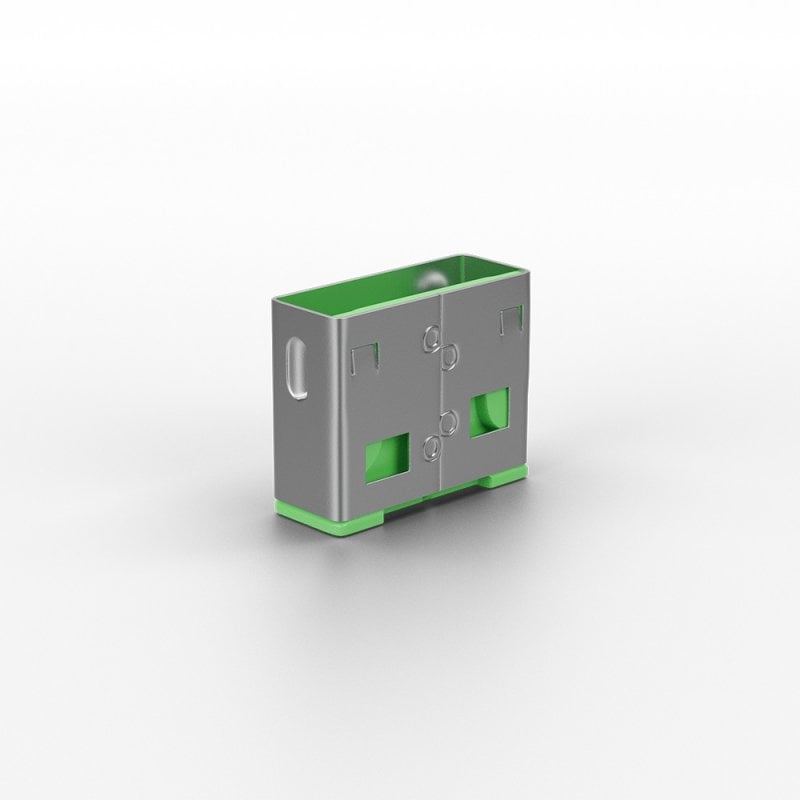
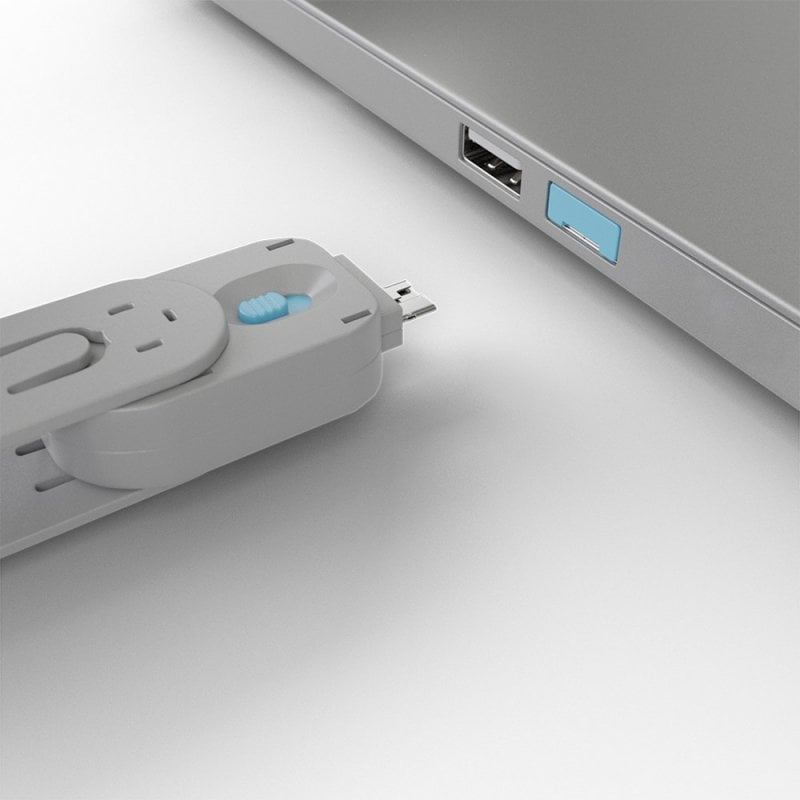
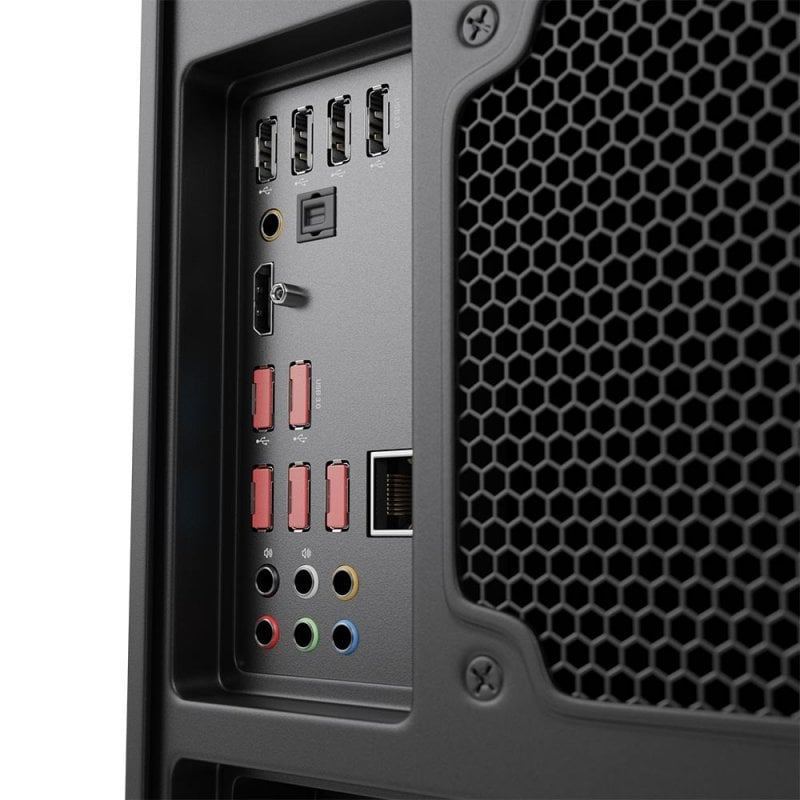
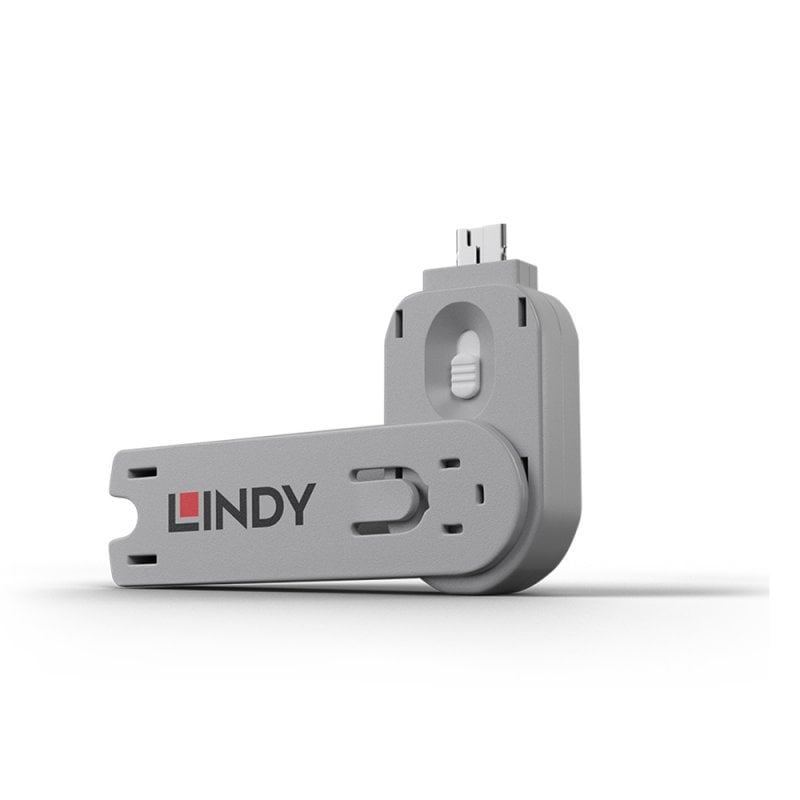
Each blocker sits flush inside the USB-A port and can only be removed using its matching colour-coded key — nothing else will release it. No tools, no prying, no workarounds. It physically prevents anything from being plugged in until you decide otherwise.
Use different colours across departments, floors, or security zones for instant visual access management your whole team can follow at a glance.
📦 CHOOSE YOUR VARIANT
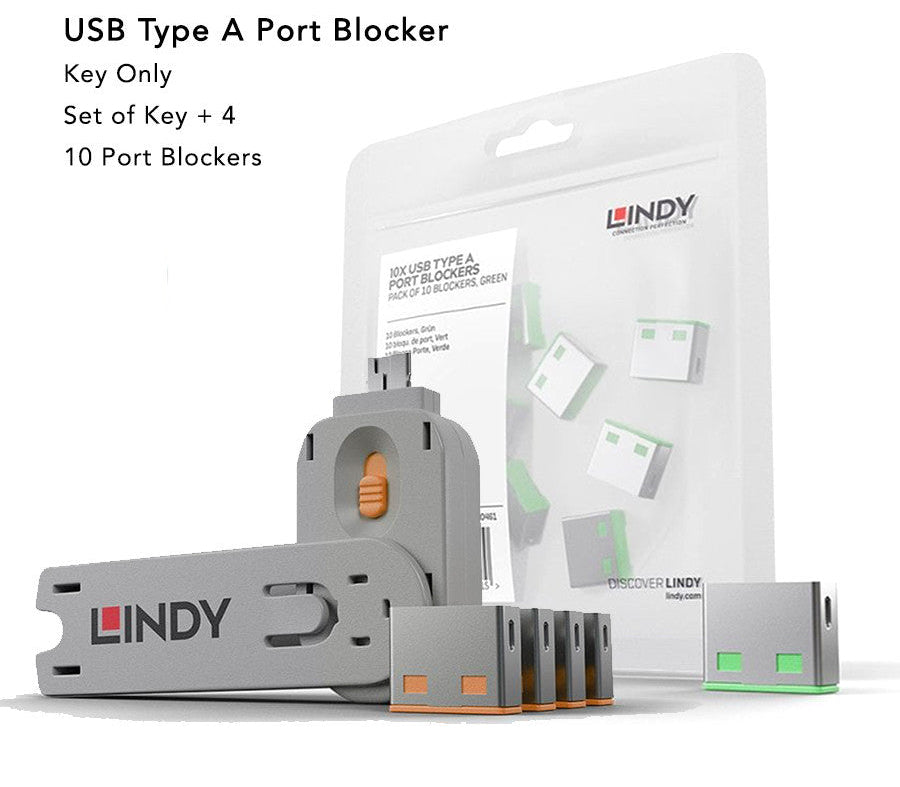
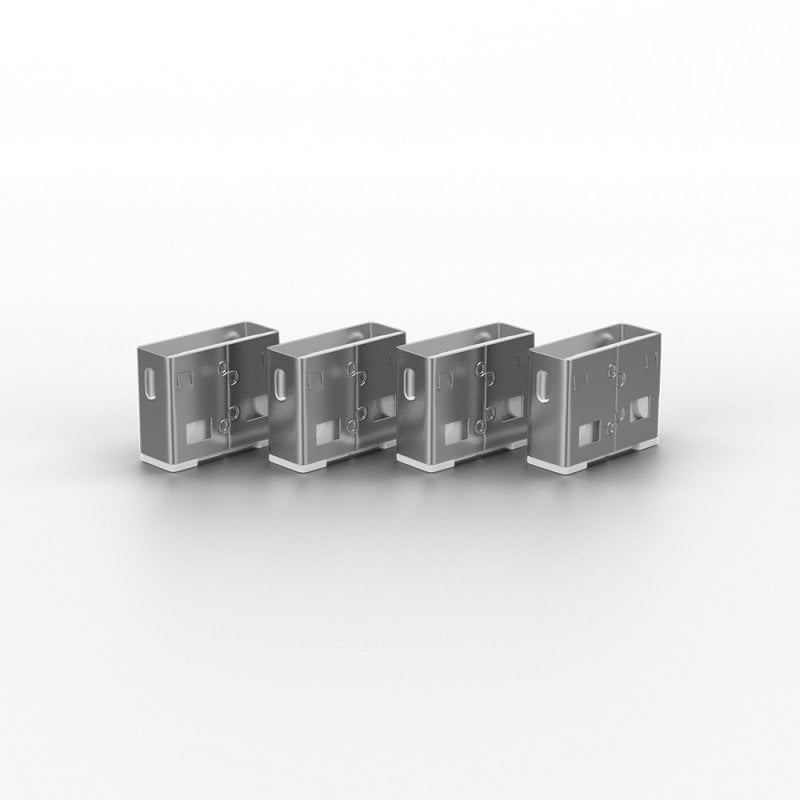
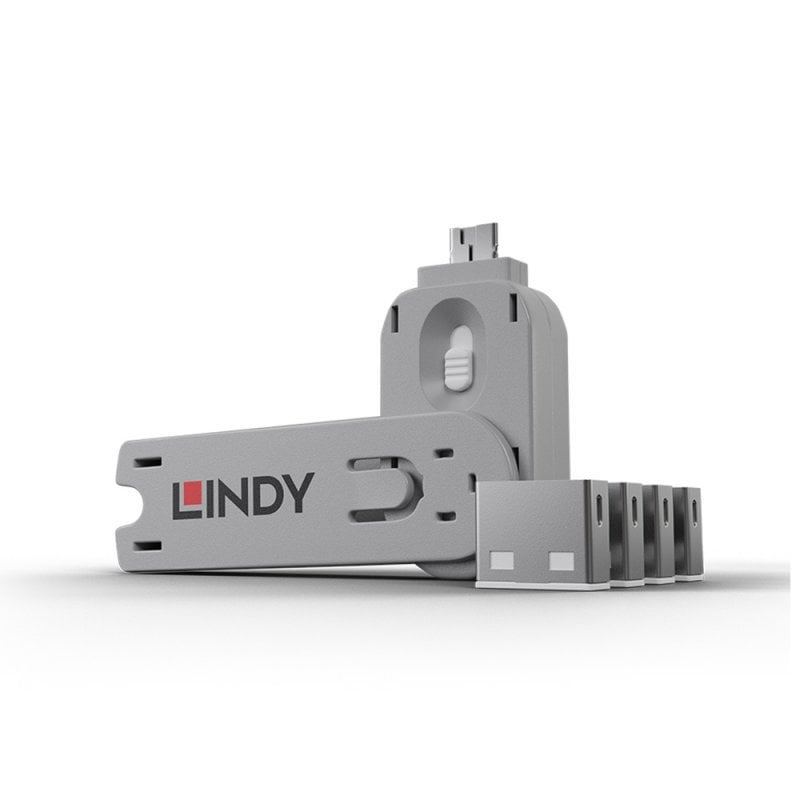
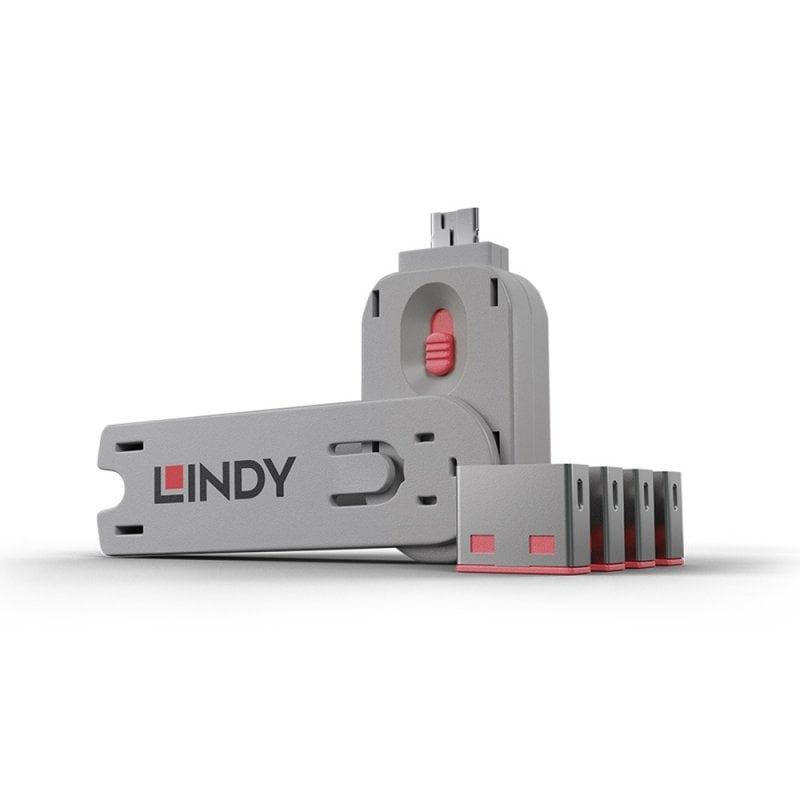
Kit — 1 Key + 4 Locks (Best for first-time setup) Everything you need to get started. Secure four USB ports immediately and expand anytime with additional lock packs.
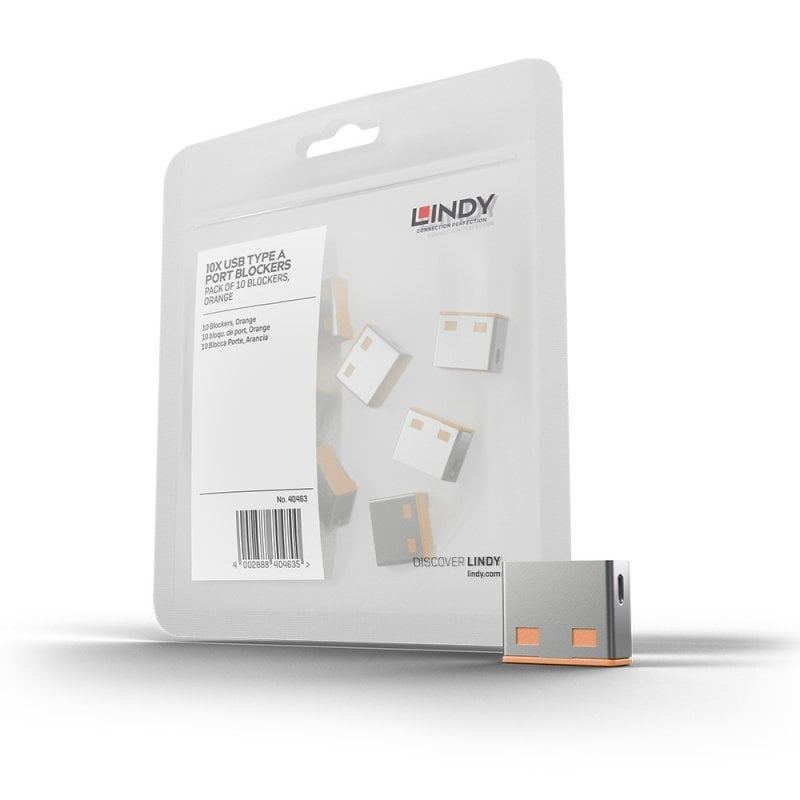
Expansion — 10 Locks, No Key (Best for scaling up) Already have a key? Add 10 more locks in the same colour to extend your deployment across more devices or rooms. A compatible same-colour key is required to remove these locks.
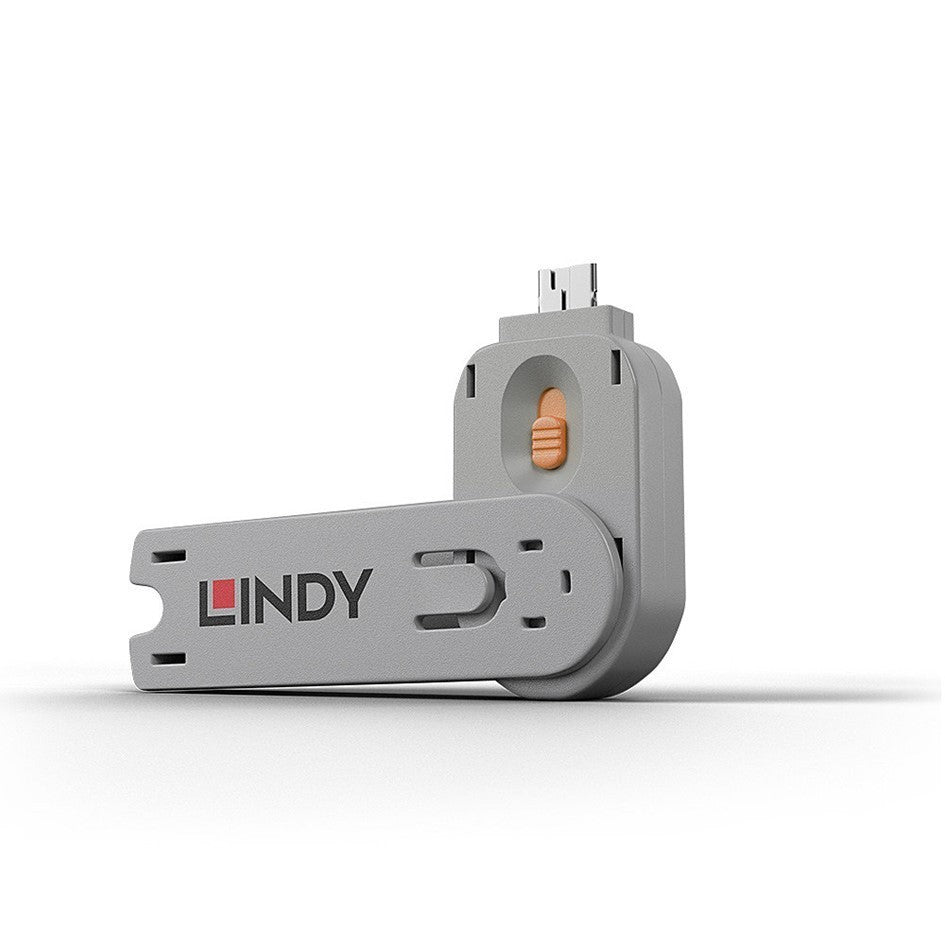
Key Only (Replacement or additional administrator) Lost a key or need a second administrator to have removal access? Order a replacement key in the matching colour. Remember — keys only work with locks of the same colour.
🛡️ WHAT IT PROTECTS AGAINST
Unauthorised USB flash drives and external storage
Data theft and corporate espionage via removable media
BadUSB and rubber ducky-style malware injection attacks
Accidental port damage from foreign objects
Tampering on shared, public, or unsupervised devices
⚡ HOW TO USE
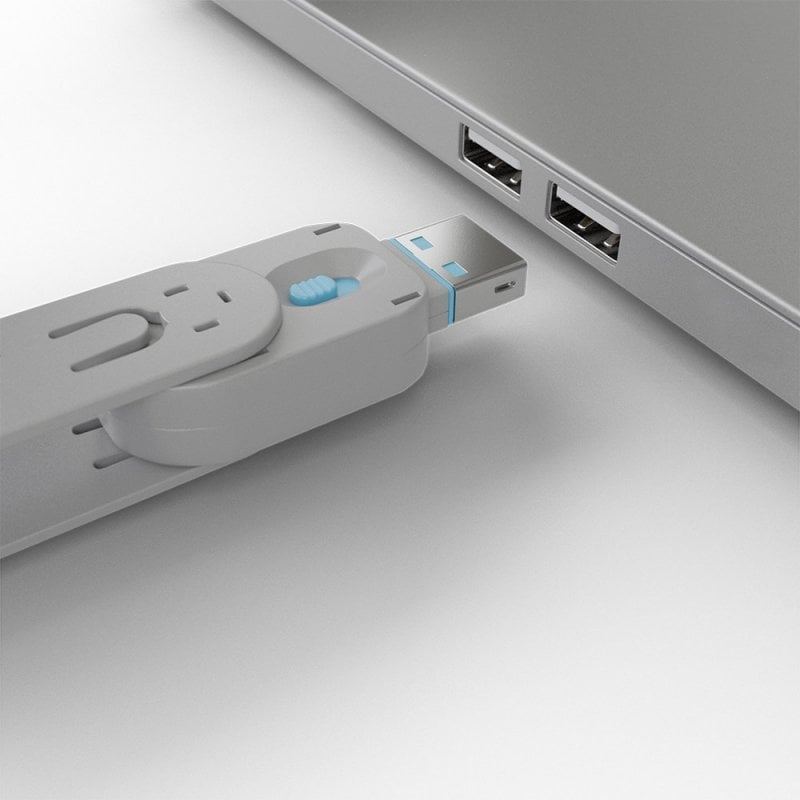
To lock: Attach a blocker to the key → insert into the USB-A port → release the sliding mechanism → pull the key away. The blocker stays locked in place.
To unlock: Insert the matching colour key back into the blocker → release the latch → remove together.
Takes under 3 seconds per port. No tools. No training required.